The practical difference, laid out clearly.
Not a list of features. A description of what your working week looks like before and after automation handles the repetitive parts of bookkeeping.
The same tasks. A different experience of them.
The tasks themselves don't disappear. Invoices still need categorising. Expenses still need recording. Reconciliation still needs to happen. What changes is who does the work, and when.
Invoices filed manually
Each incoming invoice is opened, read, and manually assigned to a category. Supplier names are looked up. VAT codes are checked. The same invoice from the same supplier is processed the same way, every time, by hand.
Expense records assembled at month end
Receipts accumulate. At month end, someone assembles them into a spreadsheet, checks them against bank statements, and hopes nothing has been lost. The process takes several hours and is prone to omissions.
Reconciliation done retrospectively
Bank statements are downloaded, opened, and checked against records that were created weeks earlier. Discrepancies that are weeks old are harder to trace and resolve.
Accountant organises before advising
A portion of accountant time goes to organising and cleaning data before any analysis or advice can happen. The business pays for preparation time as well as expertise.
Invoices categorised on arrival
Incoming invoices are processed automatically. Category, supplier, VAT code, and amount are extracted and recorded. Exceptions that need review are flagged. Standard invoices require no manual handling.
Expenses recorded continuously
Expenses are captured and categorised as they occur. The month-end picture reflects current reality, not a reconstruction from memory and scattered receipts. The assembly work doesn't exist.
Reconciliation runs in the background
Bank transactions are matched against records automatically. The reconciliation view shows current status at any point. Discrepancies surface within days, not weeks, and are easier to investigate while recent.
Accountant receives clean, structured data
Records arrive already categorised, reconciled, and formatted for review. Accountant time goes to analysis, interpretation, and advice. The value of the relationship increases without the cost necessarily doing the same.
How each automation actually works.
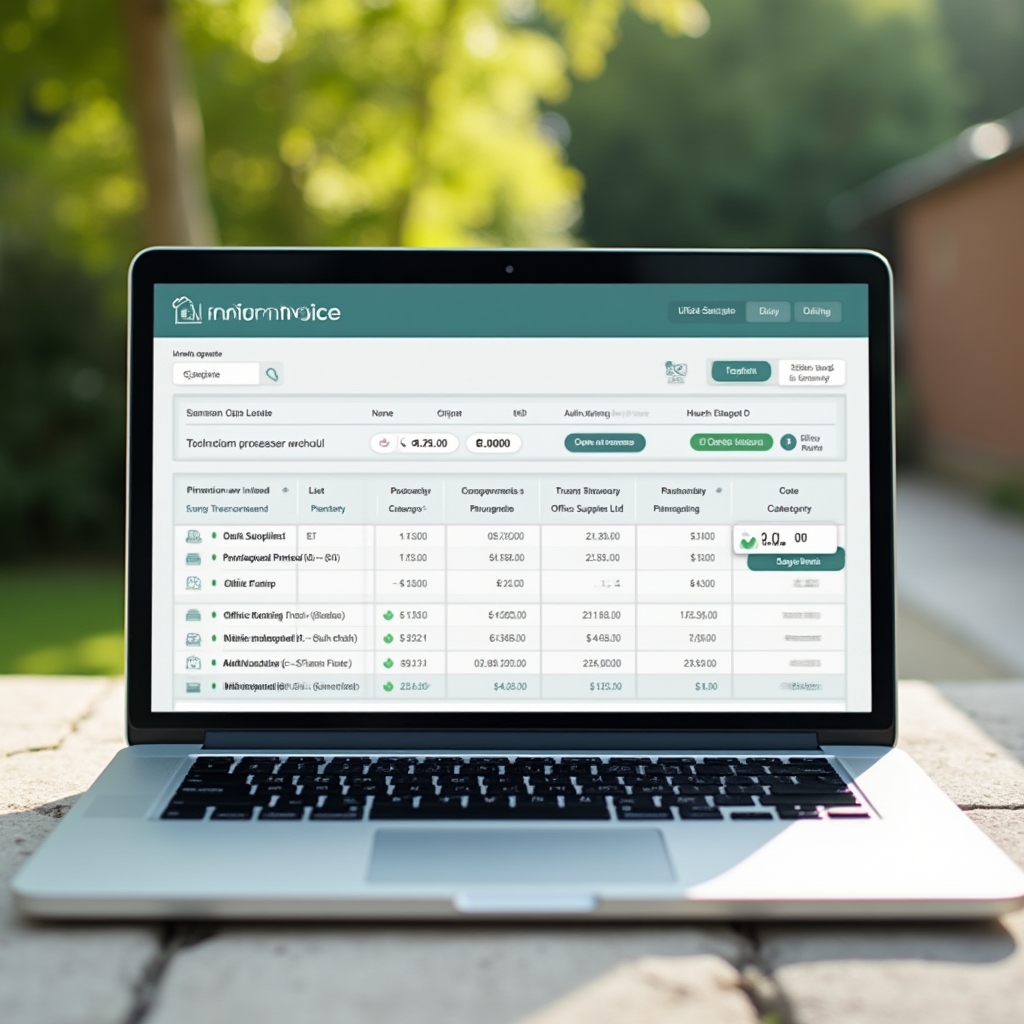
Invoice categorisation in practice
When an invoice arrives, the system reads the document and extracts key data fields. Supplier name is matched against a known supplier list. If the supplier is recognised, the category is applied automatically based on previous invoices from that source.
New suppliers are categorised based on invoice content analysis and flagged for one-time confirmation. Once confirmed, future invoices from that supplier are handled automatically. The manual work happens once, not repeatedly.

Expense tracking without the assembly work
Expenses are captured from bank transactions, card statements, and manually uploaded receipts. Each expense is categorised and matched to the appropriate account code. Where a receipt has been uploaded, it's attached to the transaction record automatically.
The expense view shows the current state of business spending without any assembly required. At month end, everything is already in place for the accountant to review.
Reconciliation that stays current
Bank transactions are pulled into the platform as they occur. Each transaction is matched against existing invoice or expense records. Confident matches are confirmed automatically. Transactions that don't match a record clearly are presented for review.
The reconciliation view shows three states: confirmed, pending, and flagged. The goal is to keep the flagged list small and recent. When something doesn't reconcile, you know about it within days rather than at quarter end.
Questions worth answering clearly.
No. Mikilyuto handles the repetitive data processing tasks that currently occupy time in your bookkeeping workflow. It doesn't provide tax advice, compliance guidance, or any of the professional services that accountants deliver. Your accountant continues to do all of that. What changes is the quality and organisation of the data they receive.
Incorrect categorisations can be corrected directly in the platform. When you correct a categorisation, the system updates its understanding of that supplier or transaction type. The correction is applied to future similar transactions automatically. Confidence levels are displayed for each categorisation so you can prioritise what to review.
All data is stored and processed within the UK. The platform is built with UK data protection regulations in mind, including compliance with the UK GDPR. Financial data is encrypted in transit and at rest. Access controls ensure that only authorised users within your account can view your financial records.
The initial setup and connection process takes a few hours. During the first few weeks, the system is learning your specific patterns, so confidence levels on automatic categorisations will be lower and more items will be flagged for review. As the system builds context around your business, the proportion of items requiring manual attention decreases steadily.
Ready to discuss what this looks like for your business?
Every setup is different. Get in touch and we can work through what Mikilyuto would automate in your specific situation.