The hours you spend
on bookkeeping
belong elsewhere.
Mikilyuto handles invoice categorisation, expense tracking, and bank reconciliation automatically. Your accountant keeps doing what they do. You get your time back.
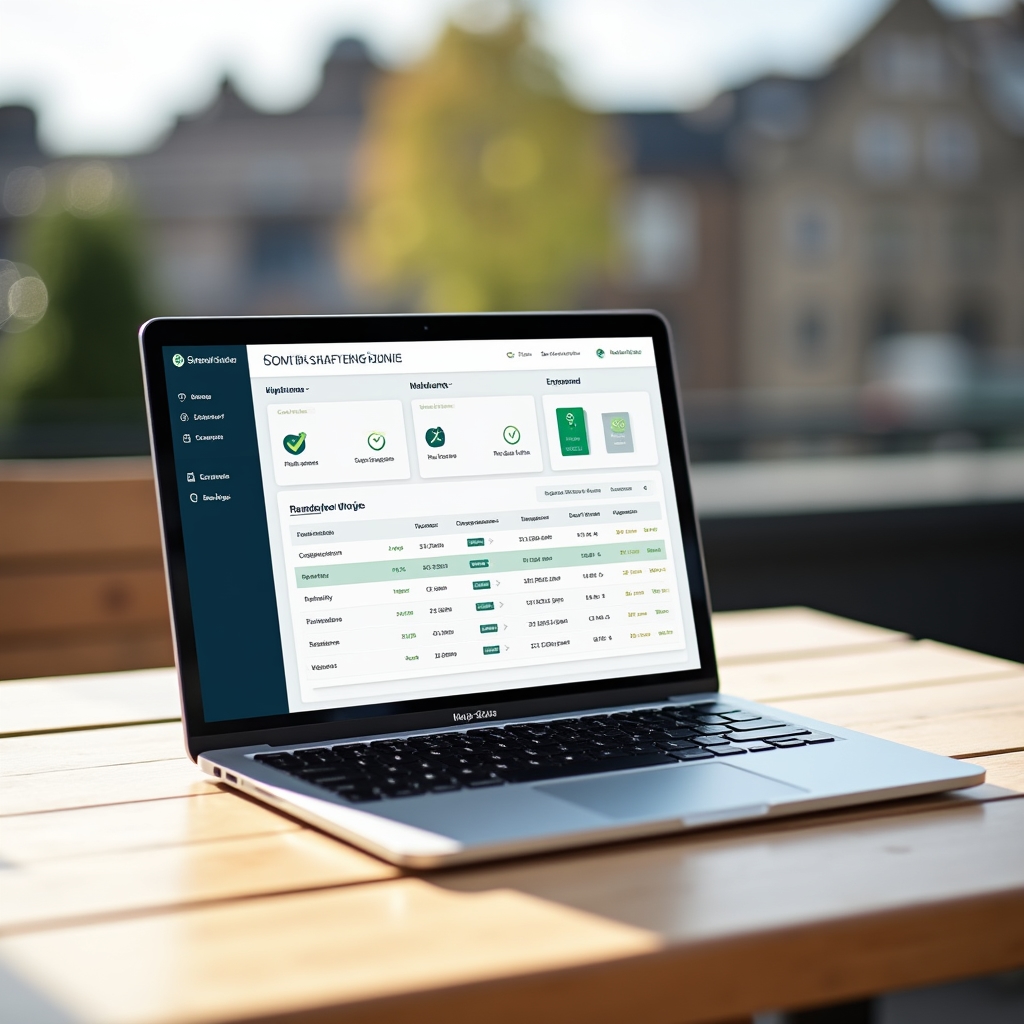
Repetitive tasks accumulate quietly.
A receipt here. An invoice there. A bank statement that needs matching to something from three weeks ago. None of it is difficult. All of it takes time. And the time adds up before you notice it happening.
Small business owners didn't start their businesses to spend Tuesday mornings sorting transaction categories. But without a system, that's where the time goes.
Explore the platform
Three areas where automation makes the most difference.
Not every bookkeeping task is worth automating. These three are. They're repetitive, time-consuming, and follow predictable patterns that software handles reliably.
Invoice Categorisation
Incoming invoices are read, interpreted, and filed into the correct category automatically. Supplier names, amounts, dates, and VAT codes are extracted and matched to your chart of accounts without manual input.
Expense Tracking
Business expenses are captured from multiple sources, categorised consistently, and presented in a format your accountant can use directly. No more spreadsheets assembled from scattered receipts at month end.
Bank Reconciliation
Transactions from your bank feed are matched against recorded invoices and expenses. Matches are confirmed automatically. Discrepancies are flagged clearly so your accountant can review only what needs attention.
From data to done, automatically.
The workflow is designed to sit inside your existing setup. Nothing needs rebuilding from scratch.
Connect your accounts
Link your bank accounts, accounting software, and invoice sources. Mikilyuto reads existing data structures without requiring you to change how you work.
System learns your patterns
Over the first few weeks, Mikilyuto maps your supplier relationships, spending patterns, and categorisation preferences. Accuracy improves as it builds context around your specific business.
Automation runs continuously
Invoices are categorised, expenses recorded, and bank transactions matched as they arrive. The system works in the background. You check in when it matters, not when it demands attention.
Your accountant reviews the output
Mikilyuto prepares structured, clean records that your accountant receives in a format they can work with immediately. Their time goes to interpretation and advice, not data entry.

Automation and accountants work better together.
There's a misunderstanding worth addressing. Mikilyuto is not a replacement for your accountant. It never claims to be. Accountants provide judgement, tax strategy, compliance knowledge, and advisory perspective. Software cannot replicate that.
What software can do is remove the administrative layer that currently occupies a significant portion of accountant time. When records arrive already categorised and reconciled, your accountant can focus on the work that actually requires their expertise.
The result is a cleaner relationship: you spend less time gathering data, your accountant spends less time organising it, and the conversation between you becomes more useful.
See what changes
Why this kind of automation makes sense for small businesses.
Consistent categorisation
Manual categorisation drifts over time. The same supplier gets filed differently depending on who did it and when. Automated categorisation applies the same logic every time, without exception.
Records that stay current
When bookkeeping is manual, it often falls behind. Catching up is slower than keeping pace. Automation means records reflect the current state of the business, not the state of affairs from three weeks ago.
Errors surface earlier
Discrepancies between bank transactions and records are flagged as they occur rather than discovered during quarterly review. Small problems are easier to resolve when they're recent.
Everything in one place
Invoices, expenses, bank data, and reconciliation status in a single view. No assembling information from multiple folders, email threads, or spreadsheets before a conversation with your accountant.
Find out how Mikilyuto fits your business.
Every business has a slightly different setup. Get in touch and we can discuss what the platform would automate in your specific situation.
+44 114 234 5067 [email protected]